
 Phone app + readers
PayAnywhere
North's mobile payments app for iPhone and Android. Tap to Pay on iPhone takes contactless cards with no hardware at all; Bluetooth readers and smart devices cover everything else.
Why we carry it
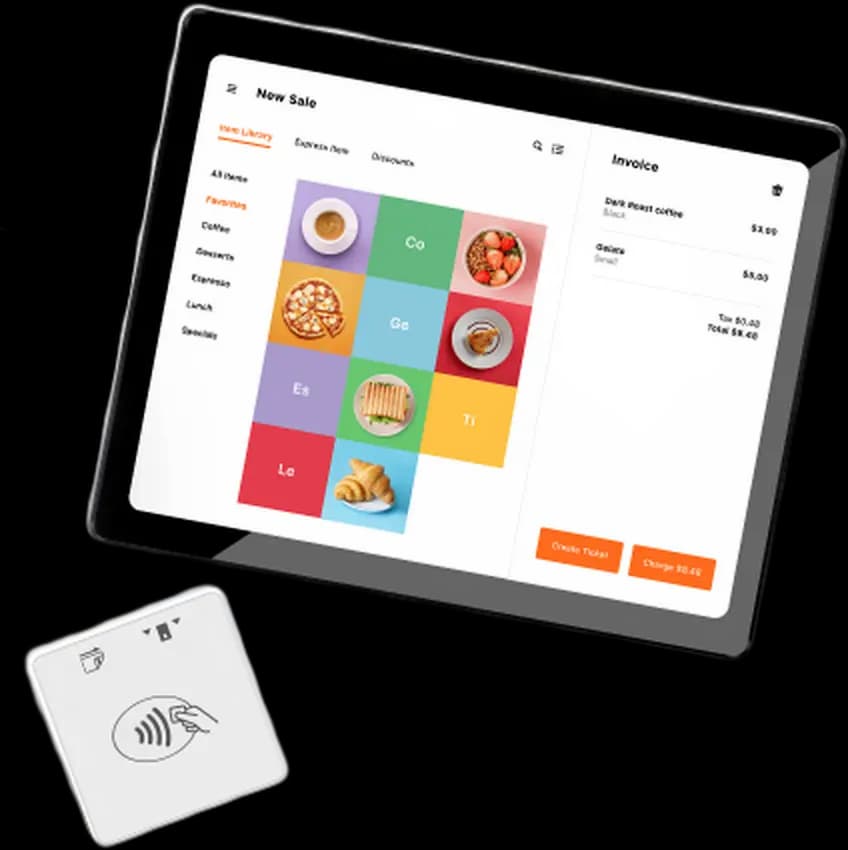
PayAnywhere is the app we set up when the business moves and the counter doesn't exist. It runs on the phone already in your pocket: Tap to Pay on iPhone accepts contactless cards and phone wallets with zero extra hardware, and a small 3-in-1 Bluetooth reader adds chip insert and swipe when you need them.
It isn't a lightweight toy. The app carries a real item catalog, invoices, card-on-file and recurring billing, employee accounts with permissions, and an offline mode that queues transactions when the signal dies at the fair and settles them when you're back in coverage.
The difference from the famous flat-rate apps is what's underneath: a full merchant account with rates we bid, not convenience pricing. Same pocket convenience, storefront economics. Behind it sits Payments Hub, the web back office, at no extra cost.
Highlights
- Tap to Pay on iPhone, no reader required
- Item catalog with modifiers and inventory counts
- Employee logins and per-role permissions
- Offline mode for dead-signal venues
- Invoices and recurring billing from the same app
At a glance
- Contractors and field services invoicing on site
- Farmers market and event vendors
- Anyone replacing a flat-rate app at real volume
Supported. PayAnywhere can present your fee program in the payment flow; we confirm the exact display and receipt behavior for your program before you go live.
How dual pricing works →PayAnywhere, answered
Do I really need no hardware at all?
For contactless cards and Apple Pay / Google Pay on an iPhone, correct: Tap to Pay needs nothing. Chip-insert and swiped cards need the small Bluetooth reader, which we include with the account.
What happens when I have no signal?
Offline mode queues the sale and processes it when you reconnect. We walk you through the risk rules so you know exactly which transactions are safe to queue.
Is this the same as Square?
Same convenience, different economics. Square charges flat-rate convenience pricing forever; PayAnywhere runs on a real merchant account with rates we negotiate. At a few thousand dollars a month the difference is rent money.
Can my crew take payments on their own phones?
Yes. Employee accounts have their own logins and permissions, so a tech in the field can charge a card without seeing your reports.
Where do refunds and reports live?
In the app and in Payments Hub, the web portal that comes with the account. Any browser, full history, disputes included.
Configured before your first sale.
Tell us how the work moves; we'll match the app, the reader and the rates.