
 Mobile + desktop app
ProCharge
Electronic Payments' acceptance suite: mobile app, desktop app and gateway with real-time sync and QuickBooks integration, so payments post themselves.
Why we carry it
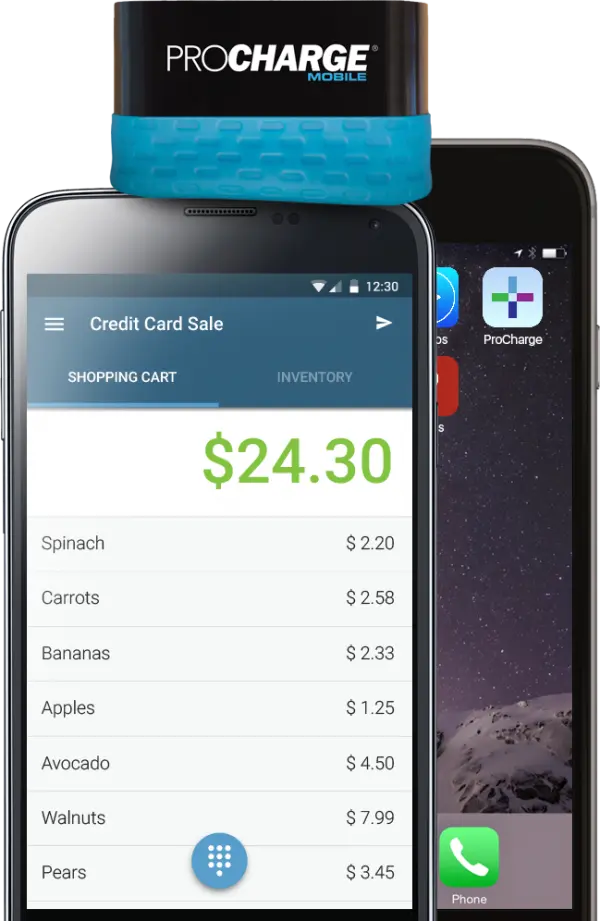
ProCharge earns its slot on this page for one reason: the books. It's mobile acceptance from Electronic Payments with a desktop counterpart and a gateway behind it, and its QuickBooks integration means the payment you take in the driveway posts to the ledger without anyone retyping it.
The suite covers the field-business day end to end: charge the card on the phone, split a tender when the customer pays half cash, send the receipt by text, and watch the transaction appear in reporting in real time. Recurring billing and card-on-file handle the maintenance-contract side.
If your operation lives in QuickBooks and your accountant's time costs more than your processing, this is the one we quote first.
Highlights
- Payments post to QuickBooks without retyping
- Mobile and desktop apps on one account
- Real-time sync across devices and reporting
- Split tenders for half-cash jobs
- Recurring billing for service contracts
At a glance
- Field businesses that live in QuickBooks
- Service companies with maintenance contracts
- Owners who reconcile their own books
Available per setup. We confirm how your fee program displays in the ProCharge flow and on receipts before you take the first card.
How dual pricing works →ProCharge, answered
How does the QuickBooks sync actually work?
Transactions flow from the ProCharge gateway into QuickBooks as they settle, mapped to the accounts you choose at setup. We configure the mapping with you once and it runs.
Do I need the desktop app?
Only if you want it. Phone-only works fine; the desktop app suits offices that key in phone orders at a computer all day.
Can it handle a customer paying part cash, part card?
Yes, split tenders are native. The card part processes normally and the receipt shows both.
What is ProCharge's relationship to my processor?
ProCharge is Electronic Payments' own acceptance suite, so the app and the processing come from the same place. One throat to choke, which we like.
Is there a contract on the software?
Our accounts don't carry software lock-ins. If ProCharge stops fitting, we migrate you; that's the point of working with a broker.
Configured before your first sale.
Tell us how the work moves; we'll match the app, the reader and the rates.